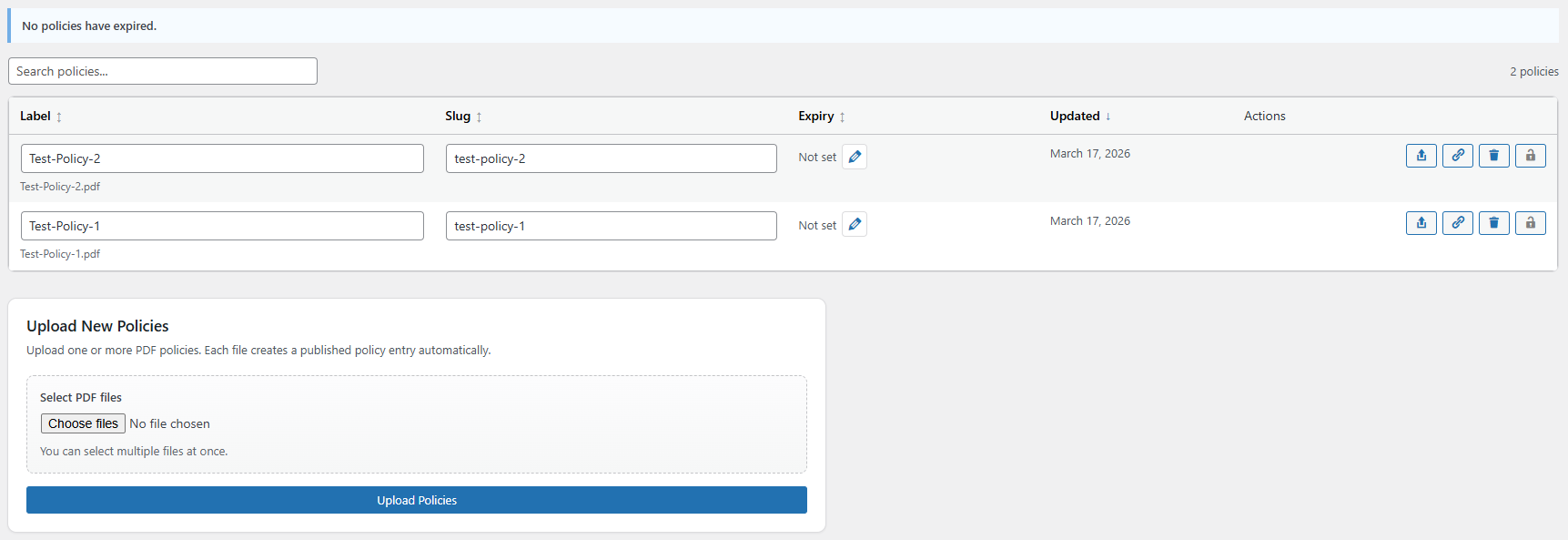
Manage Policies from a central location in the plugin settings. This panel contains the following features:
Add policies
Delete Policies
Rename Policies
Update the Policy Document (this keeps the slug the same, ensuring minimum changes are required)
Set expiry dates
Lock Policies to prevent accidental editing
Change the slug for the policy
Updating or deleting a policy deletes the old file from the website automatically, Ensuring outdated policies are not displayed in search engine results
EASILY REPLACE OFSTED REPORTS OVER MULTIPLE PAGES
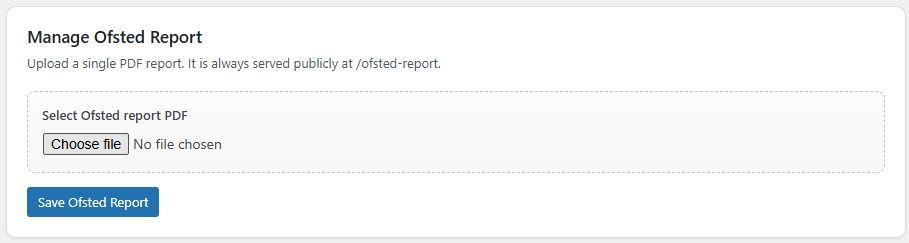
Ofsted Report Management
Upload an Ofsted Report which is always served publicly at /ofsted-report. This allows you to update the Ofsted Report in one location when it changes, rather than changing the links on multiple pages.
CHECK WHO DID WHAT AND WHEN
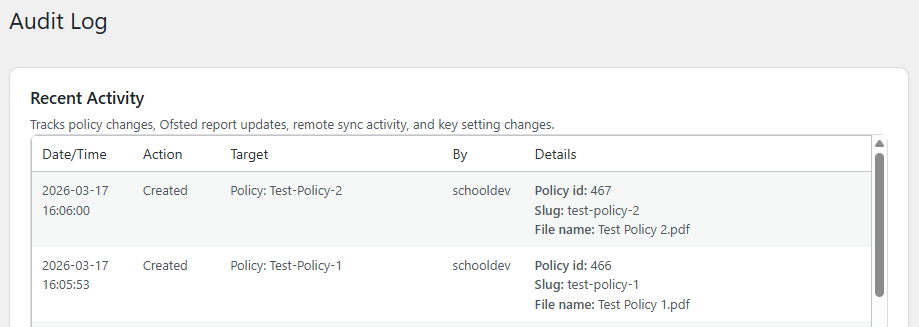
Detailed Audit Log
An Audit Log which shows you all actions taken withing the plugin, by who, and when. With PolicyPal Portal this will also show remote actions taken from the management portal.
STAY ON TOP OF EXPIRED POLICIES
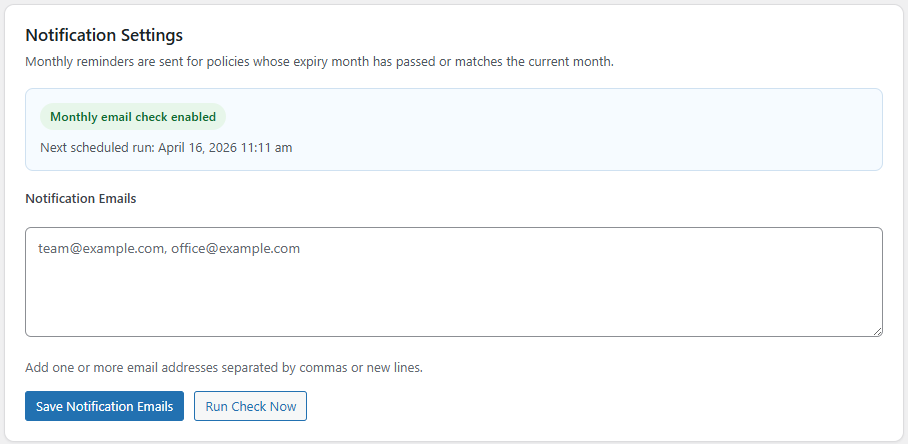
Expiry Notifications
Monthly reminders are sent for policies whose expiry month has passed, or matches the current month. You can set which emails will receive these notifications as well as run an expiry check on demand.
ERADICATE DEAD LINKS
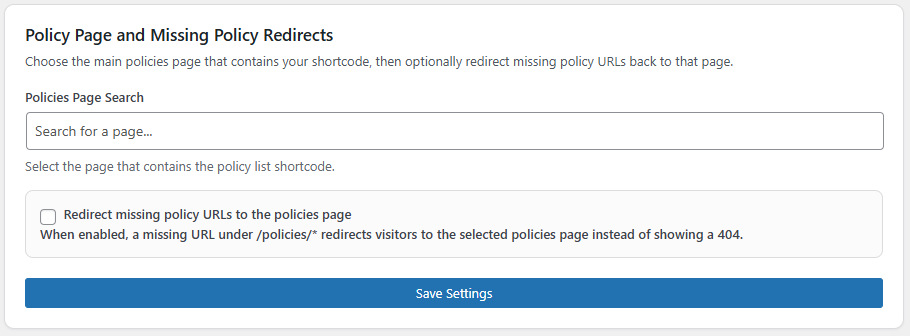
Missing Policy Redirects
Set your policy page here and any missing policy URLs will redirect to that page rather than showing a 404 error.
REDIRECT MANAGEMENT
Saved Slug Redirects
When a policy slug changes and you choose to add a redirect, it is listed here. You can remove redirects from this page, but new ones are created from the Policies screen when editing a slug.